Tuesday, June 12, 2012

Change Ubuntu windows button from Left to Right

From Ubuntu 10.04 onwards you can see applications windows button in Left side.
This is inconvenient to many users. You can change it to right side as previous versions.

Solution
Press Alt + F2. A window appears and copy paste the following command in the text space and Press Run button.

gconftool-2 --set /apps/metacity/general/button_layout --type string menu:minimize,maximize,close

You can see the change.

Monday, June 11, 2012

How to install GnomeShell in Linux Mint 13 and Ubuntu 12.04

If you like traditional desktop in Linux Mint 13 Cinnamon edition and Ubuntu 12.04, you can install GnomeShell. GNOME Shell is the core user interface of the GNOME 3 desktop environment. I installed GnomeShell when my Cinnamon desktop in Linux Mint 13 showed some problems.

How to install
Open Applications > Accessories > Terminal and apply following commands.

sudo su
apt-get install gnome-shell


After completing the installation restart PC and in login screen change the session to gnome classic.

No Internet connection in Virtual Box with Linux Mint 13

No Internet connection in my Virtual Box inside Linux Mint 13 Maya. My default networking adapter in Virtual Box was NAT. I solved the problem by changing to Bridge Adapter. Now I can access Internet in Virtual Box client OS.


Thursday, June 7, 2012

How to install Gnome shell in Linux Mint 13 Cinnamon dektop

Open a terminal and apply following commands,

sudo su
apt-get install gnome-shell

Disable auto log-in, System Tools > Administration > Login Window
Restart PC


Sunday, May 27, 2012

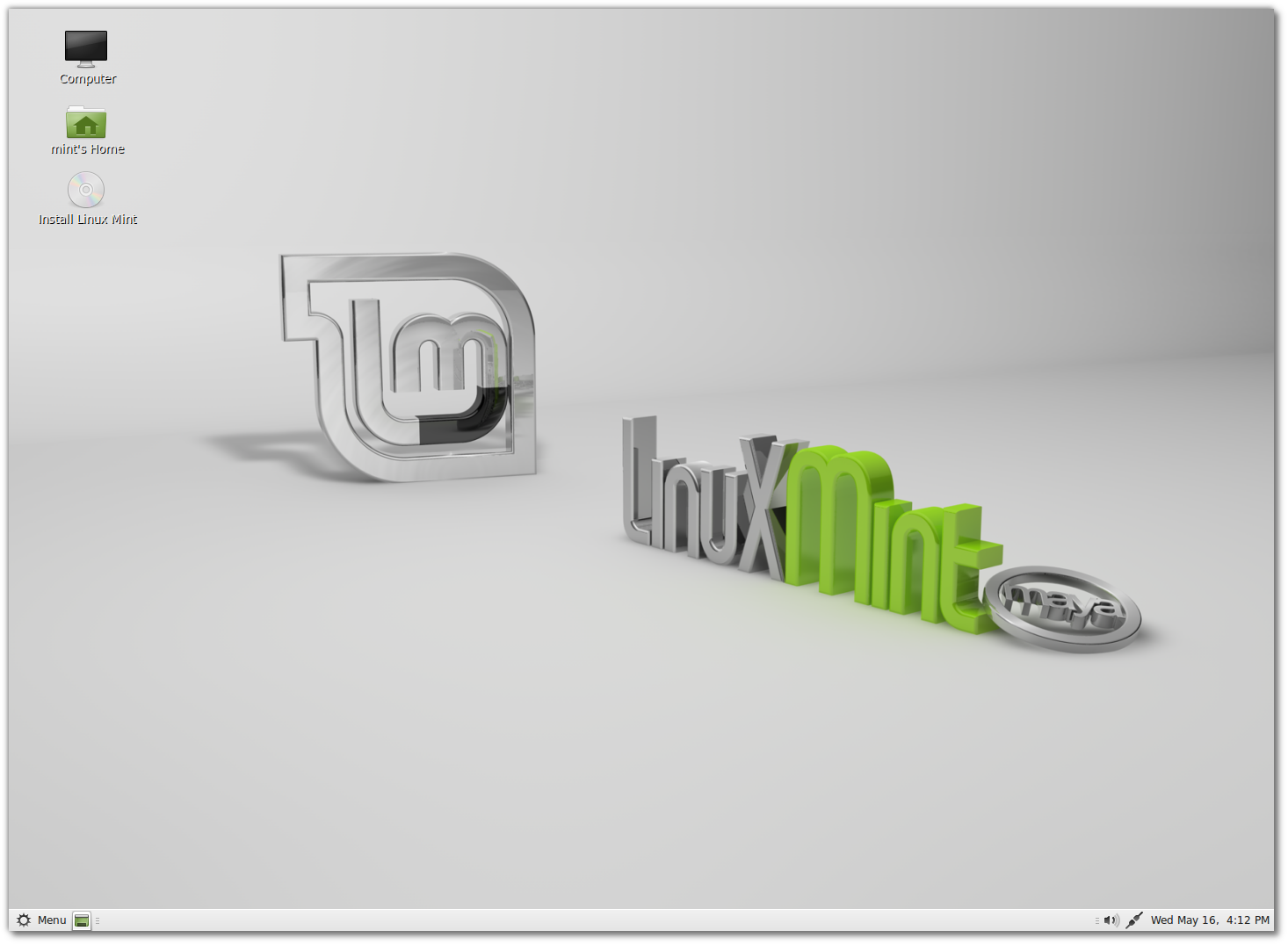
Linux Mint 13 Maya released

Linux Mint is a derivative of Ubuntu, more user friendly and added proprietary codecs (Flash player, Mp3 etc). Linux Mint is a ready to use Linux after installation.

Linux Mint 13 is available with two desktop interfaces, MATE and Cinnamon.
Both desktops are very user friendly and easy to use.


Visit http://linuxmint.com/

Saturday, March 31, 2012

Install GnomeBaker in Ubuntu 11.10 (Oneiric Ocelot)

You can't see Gnome Baker burning tool in Ubuntu 11.10. This is a very simple tool for burning various file formats into CD/DVD. See the following instructions to install Gnome Baker in Ubuntu 11.10,

Open Terminal and execute following commands,

sudo add-apt-repository ppa:gnomebaker/stable
sudo apt-get update && sudo apt-get install gnomebaker

Gnome Baker will appear in Applications > Sound & Video menu

Monday, March 19, 2012

Koha Live DVD

Koha Live DVD is based on Ubuntu Linux and Koha 3.x. Live DVD customised for ready to use. Highlights are:
  • Easy installation steps
  • Koha customised for ready to use
  • Zebra server enabled
  • Customised MARC fields in cataloguing
  • Webmin included for scheduling database backup
  • Build on Ubuntu 10.04 LTS
  • Detailed installation manual and Read Me file
  • Sample reports
You can download DVD from http://sourceforge.net/projects/kohalivedvd/